
SHAREit
SHAREit is a free Windows app from the SHAREit Team for moving photos, videos and documents between a PC and a phone. The current version is 5.1.0.7.
22.7 MB

WinMTR is a free Windows network diagnostic tool that combines traceroute and ping to show where packets are lost or delayed.
Average 0.0 · ratings: 0
Thank you! Your rating is saved; you can change it. Could not save the rating. Please try again later. Too many ratings from your network today. Please try again tomorrow. The average appears after 5 ratings.
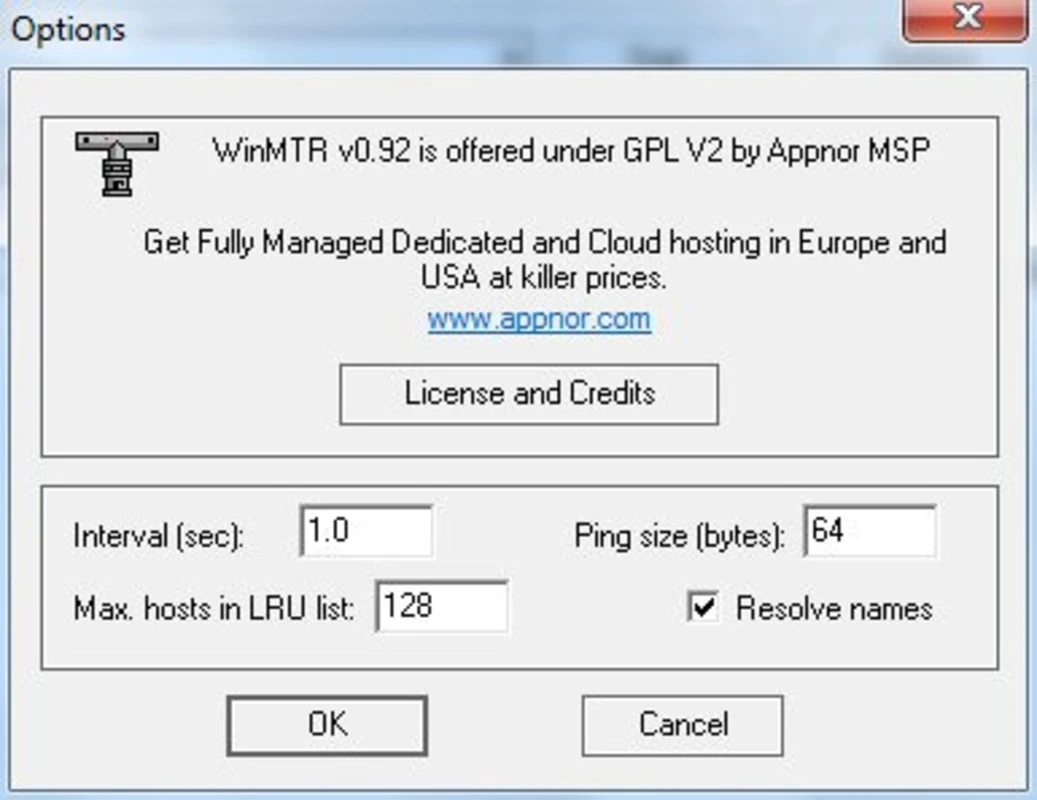
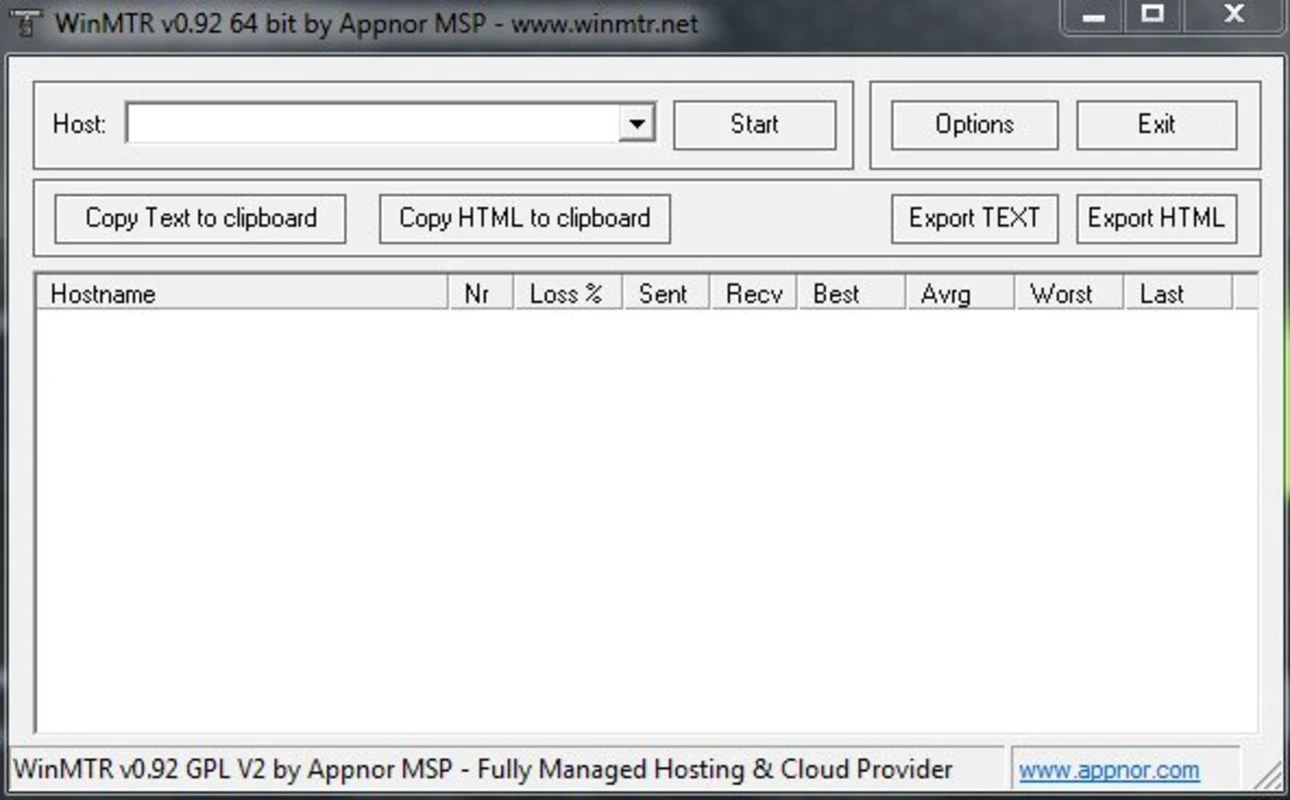
WinMTR 0.92 is a free network diagnostic tool for Windows that combines the functions of traceroute and ping in one window. You can download WinMTR from the official site to find out where along the way to a server your connection loses packets or slows down.
When a game lags, a video call breaks up or a website loads slowly, the problem can sit anywhere between your PC and the server: in your Wi-Fi, at your provider, in a backbone network or at the destination. Traceroute lists the routers, or hops, that packets pass through, and ping measures response times. WinMTR does both continuously. You type a host name, press start, and the table fills with every hop along the route, showing for each one how many packets were lost and the lowest, average and highest response times. After a few minutes a pattern appears. Loss that starts at one hop and continues to the end points to that part of the route; loss at a single middle hop that disappears further on usually means the router just deprioritises such requests and is not a real problem. The result can be exported as text, which is exactly what support teams of providers and game companies often ask for.
WinMTR runs on Windows and needs only a network connection. It is a small program with no special hardware needs.
Yes, when downloaded from winmtr.net. It sends ordinary diagnostic packets and changes nothing on your system. Some servers and firewalls do not answer such packets, which shows as missing data rather than as an error of the program.
WinMTR is free.
Compare a run to the problem server with a run to a well-known site. If both show loss starting right at the hops closest to you, the issue is likely your own network or Wi-Fi; try a cable before calling your provider.
Other network tools on our site include Wireshark for packet analysis, Advanced IP Scanner for local devices and NetSpeedMonitor for bandwidth.
SHAREit is a free Windows app from the SHAREit Team for moving photos, videos and documents between a PC and a phone. The current version is 5.1.0.7.

Zapya for Windows is a free file transfer app from DewMobile for moving files between a PC and phones over a local wireless connection.

Easy Connection to Screen is Samsung's Windows app for showing a PC's screen on a compatible Samsung TV over a wireless connection.

Internet Download Manager (IDM) is a shareware download manager for Windows from Tonec that accelerates, resumes and schedules downloads.

uTorrent (μTorrent) is a small BitTorrent client for Windows from Rainberry (BitTorrent Inc) for downloading and sharing files over torrents.

AnyDesk is a remote desktop application for connecting to and controlling another computer over the internet, from a small Windows program.

ShareMe is Xiaomi's free app for sending files between devices without a cable; on Windows the Android app runs only inside an emulator.

Xender is a free file sharing app from the Xender File Sharing Team for sending files between phones and computers over a local connection.